Poki
1. Build as Poki in LayaAir-IDE
Build the project as a Poki platform in LayaAir-IDE,

(Figure 1-1)
The configuration files such as File Extension and Common in the publishing interface can refer to Web与General Setting。
After publishing, a Poki directory will be added to the "project root/release" directory, containing the project's building content.

(Figure 1-2)
2. Enter Poki's Inspector tool to upload and test
Enter Poki's Inspector tool: Inspector。
In Poki's Inspector backend, web projects can be uploaded and games can be run through URL addresses. Select the web URL hosted on the server here, as shown in Figure 2-1, and click 'open' to open it for testing.
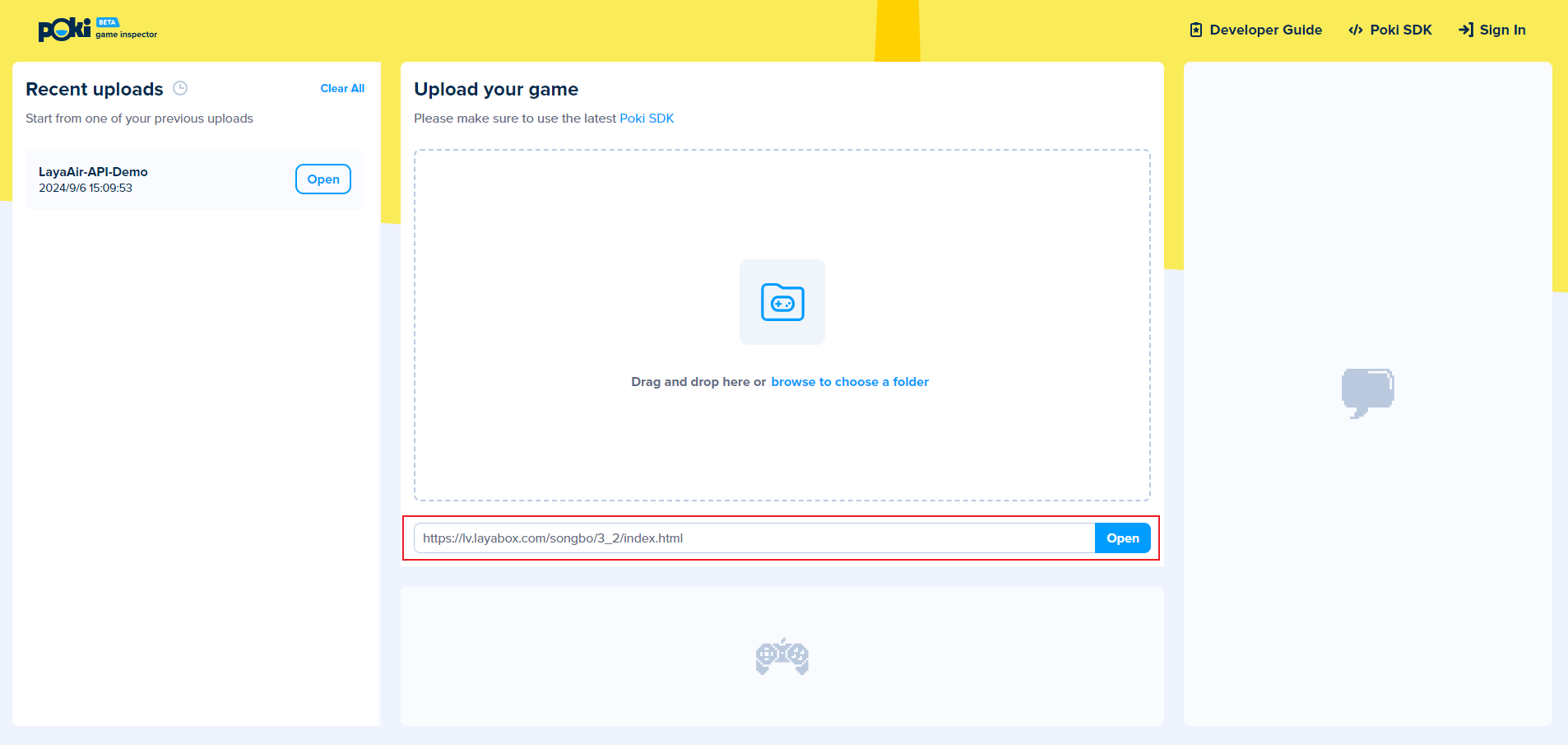
(Figure 2-1)
3. Operation status of the Poki on the web
3D example of API project created by running IDE:

(Figure 3-1)
2D example of API project created by running IDE:

(Figure 3-2)